1
Sign up
Create a real account, then open your secure dashboard session.
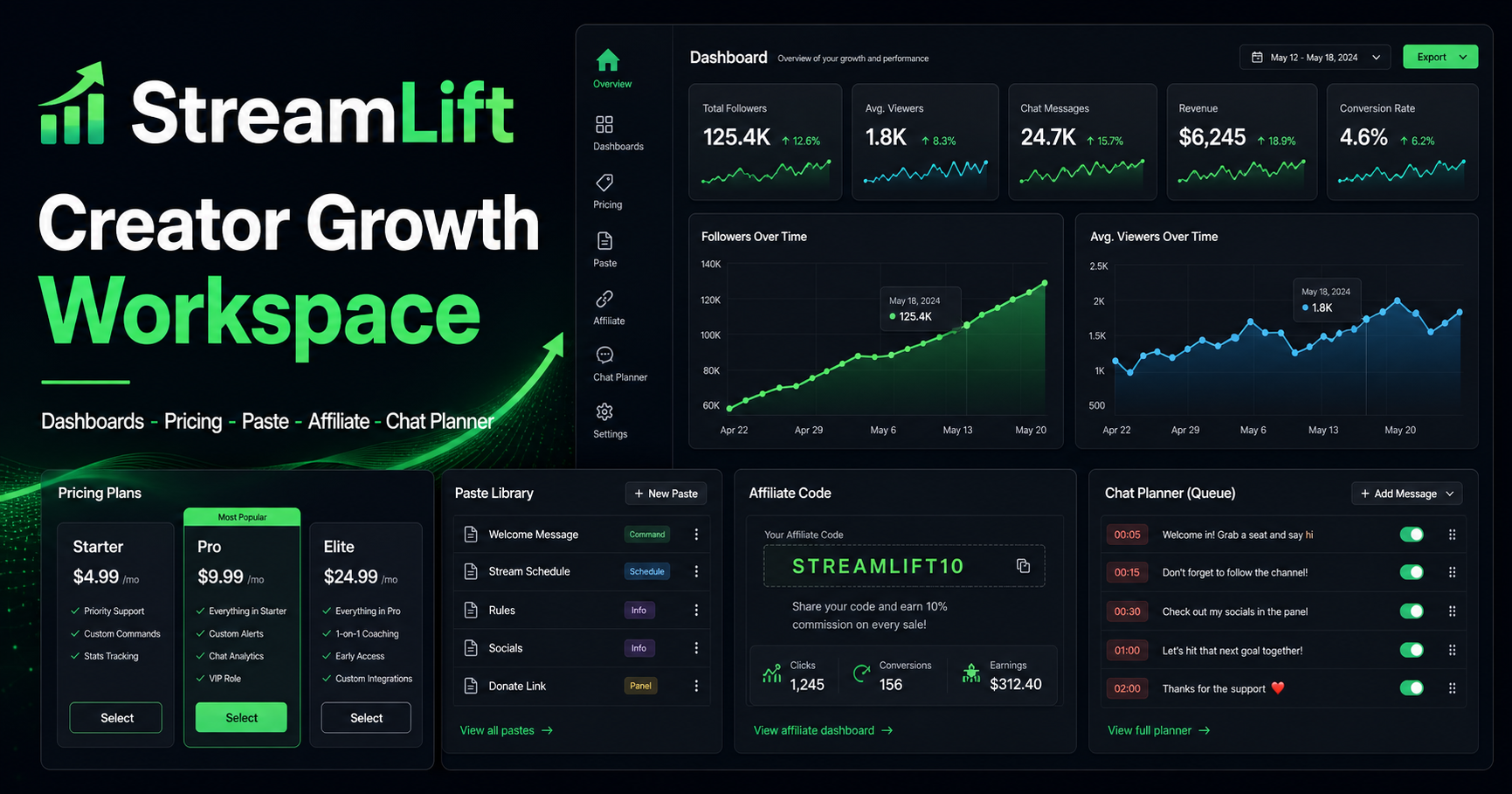
Creator growth command center
StreamLift brings pricing, campaign notes, paste libraries, chat planning, affiliate tracking, and channel dashboards into one fast browser workspace.
Dashboard demo
How it works
Create a real account, then open your secure dashboard session.
Choose a plan, create channels, save paste libraries, and set review targets.
Use the dashboard to keep messaging, schedule notes, and analytics in one place.
Feature set
Track session goals, retention notes, chat velocity, and content experiments.
Prepare batches, quick presets, and paste URLs without connecting to external chat APIs.
Create and edit channel profiles with limits, goals, focus tags, and active status.
Plan gradual creator campaigns with weekly reports and saved review timing.
Save message packs and share local paste pages with copyable links.
Generate a code, show usage, and present revenue from referrals in the dashboard.
Why choose StreamLift
The site keeps the familiar structure of the reference: marketing sections, plan selection, dashboard, guide, affiliate, review wall, blog, and protected chat workspace. The implementation is original and ready to connect to your own backend later.
Comparison
Pricing
A guided workspace for testing dashboards, paste links, and chat planning before launch.
Plan weekly streams, store message libraries, and monitor one primary channel.
Run multi-channel planning with approval flows, campaign notes, and deeper reports.
Coordinate campaigns, affiliate tracking, team review queues, and launch playbooks.
Adjust channels, message libraries, report days, and seats with a live monthly estimate.
Reviews
"The best part is having chat prompts, paste links, and schedule notes in one place. My setup feels calm now."
Mira V.Variety streamer"I use the dashboard with clients because the plan cards and channel fields make growth work easy to explain."
Dren K.Creator coach"Affiliate tracking and campaign notes saved us from spreadsheet chaos during a launch week."
Ari L.Esports hostEarn passive income
Generate a demo code, show discount percentage, track usage, and display revenue brought in the dashboard.
Topic hub
FAQ
No. This demo stores planning data locally and queues messages for review. It does not connect to Kick, send automated traffic, or post chat.
Yes. The checkout modal already models free trial, card, and crypto states so a payment provider can be connected cleanly.
They are functional demo pages. A production build should connect them to your auth and database layer.
Yes. Name, colors, copy, plans, blog posts, and footer links are centralized in the app code and CSS.
Ready
Activate the free trial, create a paste, add a channel, and test the chat planning queue.